Openers · Port Whitby
Smart Garage Controller Setup in Port Whitby
The house came with a controller already screwed to the garage ceiling and a sensor on the door, but the app insists the device belongs to another account.
In plain words
By the end of the visit your phone shows the door's true state, updates within a few seconds of any movement, and keeps a history of every open and close with the time, and the user when the command came from a signed-in app or virtual key. You can open the door for a delivery from the office, let a relative in for the weekend, and get a nudge if the door is still up at bedtime. Your remotes, keypad and wall button carry on exactly as before. And you understand the system well enough to add a user, change an alert or swap the sensor battery without calling anyone.
How the visit goesA contractor is coming to work in the garage on Thursday while you are away. Handing over a remote means chasing it back afterwards, and the keypad code is the one your whole family uses. What you want is access that ends when the job does.
Smart Garage Controller Setup
How the visit goes
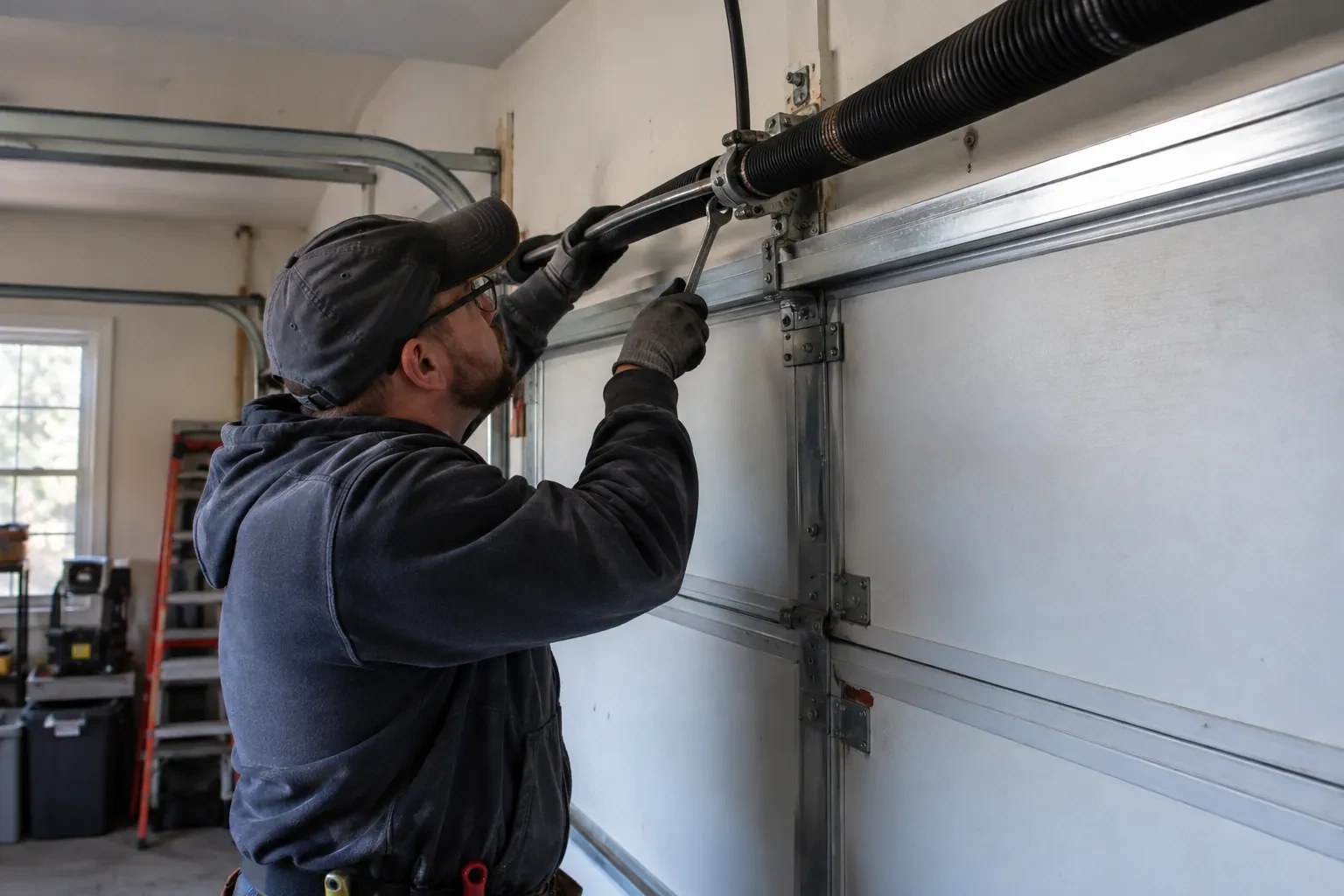
Reading the label on the opener
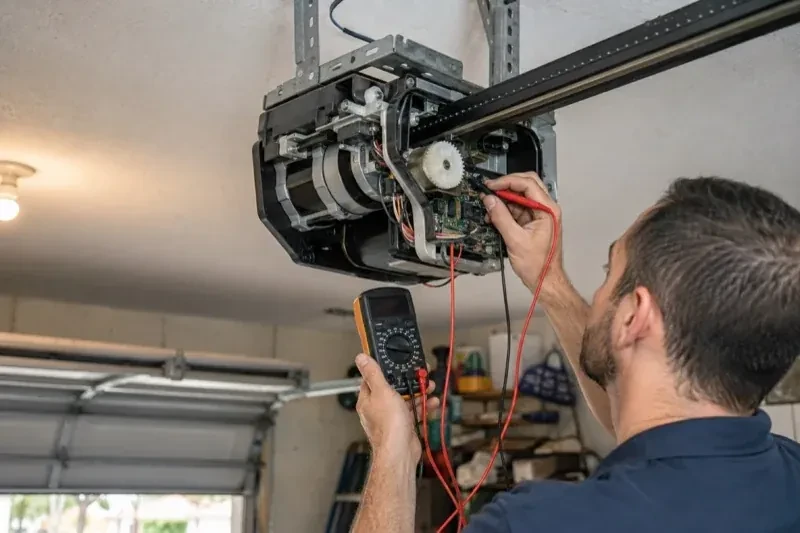
The first thing checked is the small label on the head unit, because everything else depends on it. Brand, model number and date of manufacture tell the technician which family the opener belongs to and which controllers list it as supported. The learn button, usually under the light cover, is checked for colour, since on many makes it marks the radio-coding generation and decides whether a hub can be wired to the wall-control terminals or must pair by radio. The wall console is looked at too: a console with a digital display often means an encrypted connection that needs a different hookup. A photo of the label sent ahead lets this step happen before the van leaves.
Switching on a built-in radio
When the opener has its own wireless radio, the work is mostly done at the head unit. The technician puts the opener into its pairing mode, usually by a button press or a sequence on the wall console, which broadcasts a temporary network the phone can see. Through the app the owner selects the home network and enters its password; the opener joins, its indicator turns steady, and the serial number from the label registers the device to the owner's new account. The technician then runs the door from the app and from the wall button to confirm position reporting matches the real door, and applies the firmware update the app offers before moving on to alerts and users.
Ready for the cold months
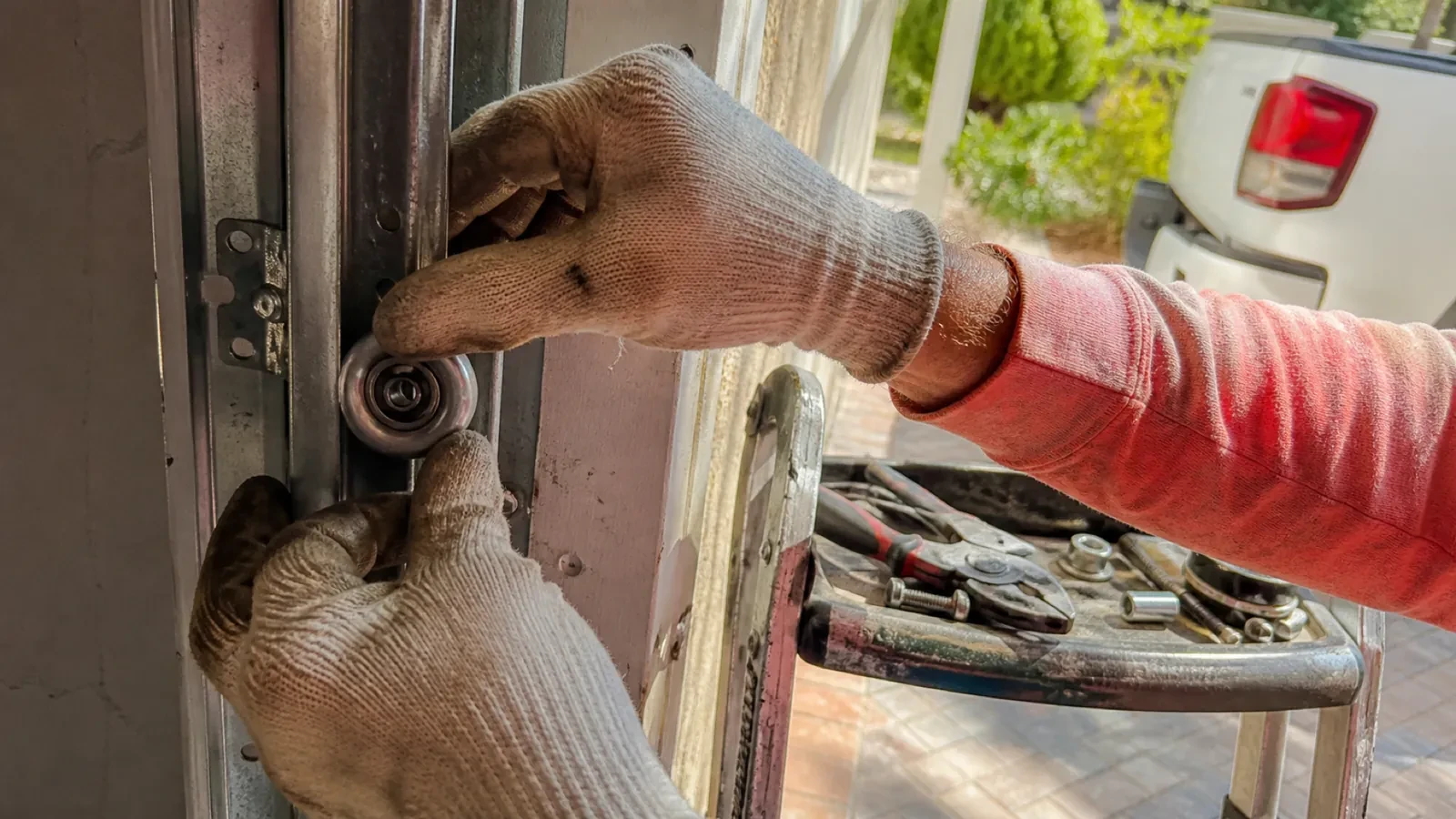
An installation done for this climate leaves you set for winter. The sensor is screwed rather than stuck on, its cell is a type built to withstand the cold, and the left-open alert is set so a door left up on a freezing night reaches your phone before the garage has lost its heat. Keep snow and ice cleared from the threshold and the photo-eye lenses, since a blocked beam pauses remote closing until it is cleared, and expect the door to be a shade slower on the coldest mornings. If the app reports the door open when it is plainly shut after a hard frost, the sensor mount is the first thing to check.
Smart Garage Controller Setup
In the van
Lithium coin cell or cylindrical cells
Wi-Fi access point or extender
Mounting screws and brackets
Retrofit smart hub
Low-voltage bell wire
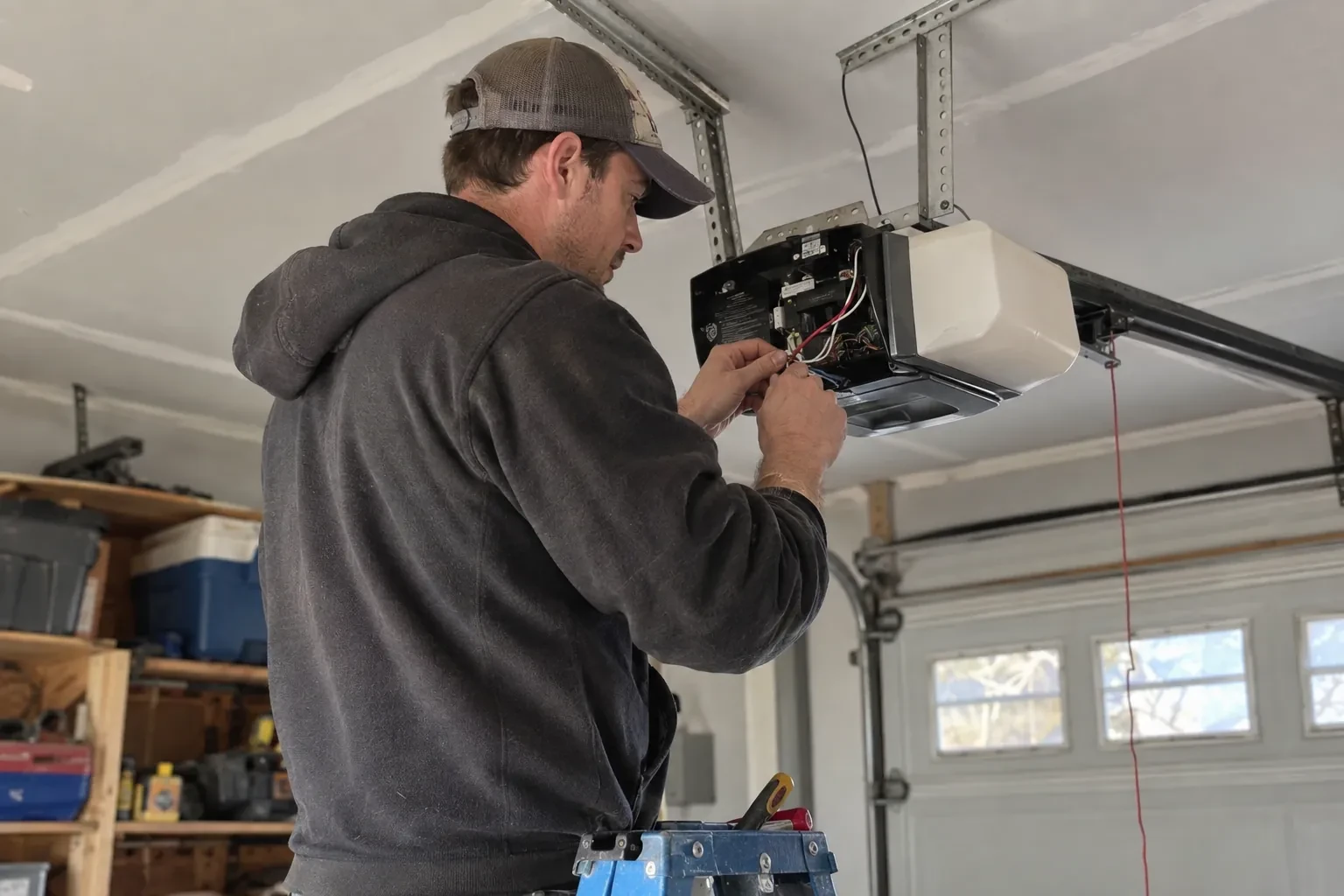
Smart Garage Controller Setup
What affects the quote
Ceiling height and access
A standard garage puts the head unit and the top door panel in easy ladder reach. High ceilings, storage lofts or a car that cannot move add setup time.
Alerts, schedules and integrations
A left-open alert and a nightly schedule are standard. Linking the door to other smart-home systems or setting up several schedules is additional configuration.
Photo eyes needing attention first
Remote closing requires a working sensor pair. Realigning a bracket is small; replacing a failed pair and running new wire is a separate item the technician names before starting.
What to have ready
- Which email address should the account be created under?
- Are both photo-eye sensors near the floor lit steadily?
- What colour is the learn button under the opener's light cover?
Smart Garage Controller Setup: questions
QuestionsWhat happens if my internet goes down?
Your wall console, remotes and keypad talk directly to the opener and carry on as normal, and the door's safety features are entirely local. What pauses is the phone side: status, alerts and commands from outside wait until the hub reconnects, which it does by itself when the router comes back. If you replace or rename your router, the hub is walked through the join steps again.
Does the hub need its own power?
Yes, from a small plug-in adapter that goes into the same ceiling receptacle the opener uses. There is no battery in the hub itself, so it stays online as long as the receptacle is live. If that receptacle has no spare socket, an approved splitter can be used, or an electrical contractor can add a second receptacle. The adapter should carry a recognized Canadian approval mark, which the technician checks before plugging it in.
What does the colour of the learn button tell you?
On many openers the learn button's colour marks the generation of radio coding the unit uses, which decides how a hub can talk to it. Some generations accept a simple two-wire connection at the wall-control terminals; others use an encrypted console and need the hub paired by radio or through a small adapter. Sending a photo of the button and the label ahead of the visit lets the technician arrive with the right hardware.