Openers · Whitby
Smart Garage Controller Setup in Whitby
The house came with a controller already screwed to the garage ceiling and a sensor on the door, but the app insists the device belongs to another account.
In plain words
For a household here, the most valuable feature is often the simplest: a message that says the door has been open for ten minutes on a January night. A garage attached to the house shares a wall with living space, and sometimes a water line; a door left up drains heat and invites a frozen pipe. Setup in this climate also means small choices that last: the sensor is mounted the way its own instructions specify, its battery is a lithium cell that tolerates an unheated space, and an auto-close schedule is paired with a left-open alert, since a schedule only attempts the close and does not confirm it finished.
How the visit goesA contractor is coming to work in the garage on Thursday while you are away. Handing over a remote means chasing it back afterwards, and the keypad code is the one your whole family uses. What you want is access that ends when the job does.
Smart Garage Controller Setup
How the visit goes
Signal strength at the ceiling
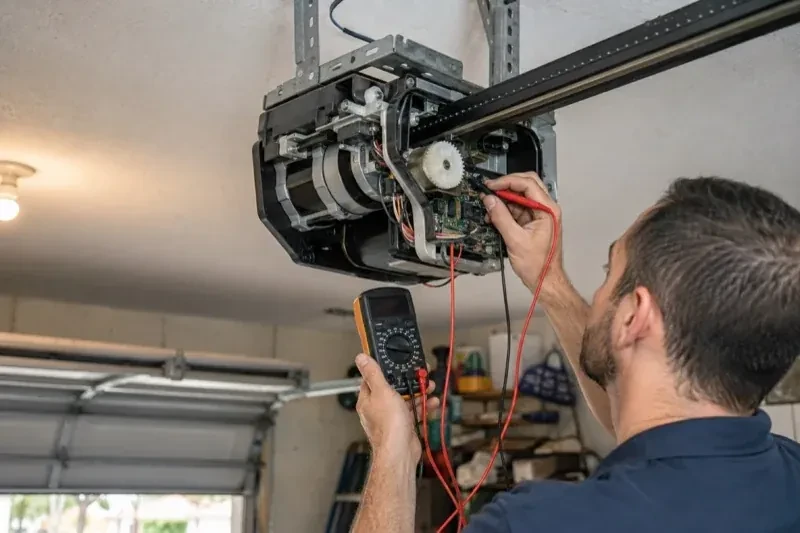
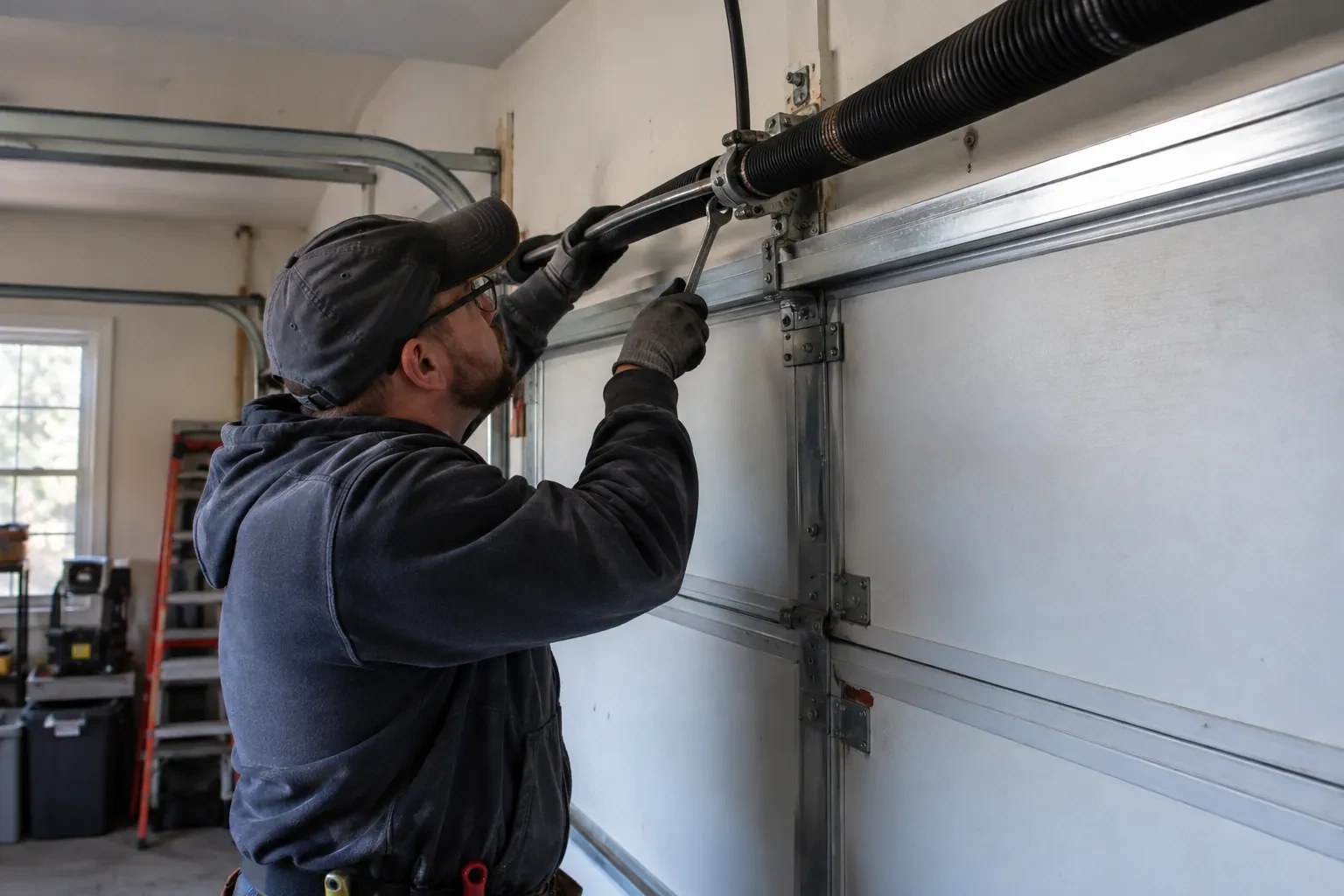
The hub will live beside the motor, so that is where wireless coverage is measured, not at the kitchen counter. The technician checks signal on the 2.4 GHz band, which most controllers use for its range, and notes how many walls, a floor and possibly an insulated steel door stand between the router and the garage. A detached garage across a driveway, a router tucked in a basement corner, or metal cladding on the garage wall all show up in this reading. Where the signal is marginal the plan includes a small access point or extender placed partway, because a hub that drops offline each week is not a working installation.
The account, in the owner's hands
Account creation happens on the owner's own phone. The technician opens the right screen and explains each choice, and the owner types the email, chooses a password and sets the recovery method and, where offered, two-step verification. The technician does not see, record or photograph any of it. The door is given a name that will make sense in a notification, the home address is entered if the app uses location for reminders, and the time zone is confirmed so schedules and history line up with the clock on the wall. If the app asks for permissions on the phone, only the ones the features actually need are granted.
A record of what was installed
You receive a short record for the house file: the opener model and serial, the controller model and where it is mounted, the sensor position and battery type, the network name the hub is joined to, and the date of setup. Passwords are deliberately absent from it. The record is what makes a later change simple, whether that is a new router, a second door, a replacement sensor or a future opener, because whoever does the work can see at a glance what is already there. It also tells a buyer, one day, that the connected features on the door were set up properly.
Smart Garage Controller Setup
In the van
Lithium coin cell or cylindrical cells
Wi-Fi access point or extender
Mounting screws and brackets
Retrofit smart hub
Low-voltage bell wire
Smart Garage Controller Setup
What affects the quote
The opener's generation
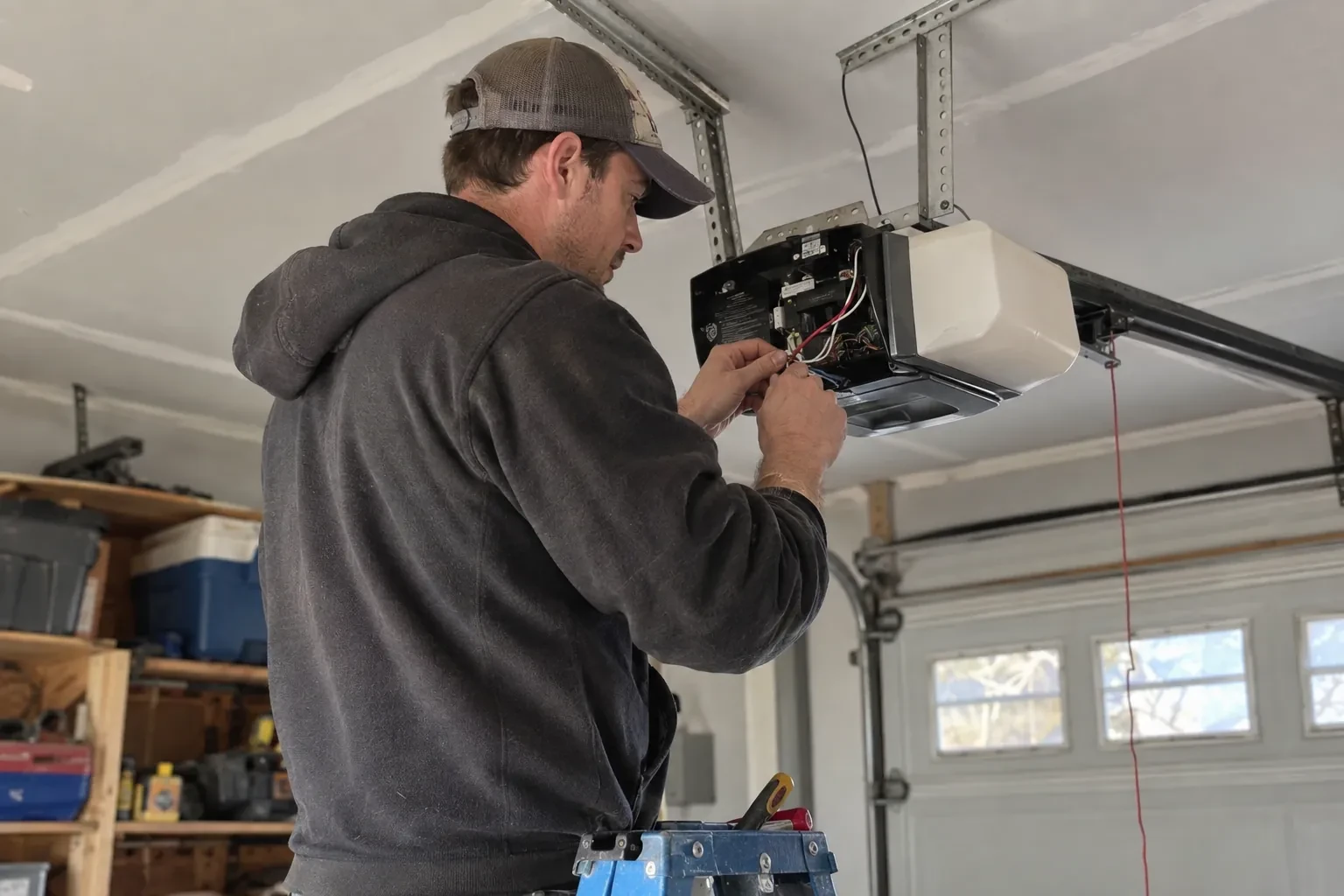
Some openers accept a two-wire connection at the wall-control terminals; others use encrypted consoles and need radio pairing or a small adapter between hub and opener. The learn button and label decide which.
Wireless coverage at the garage
A strong signal at the ceiling is a straightforward join. A weak one, common in detached garages, calls for an access point or extender, which is quoted separately.
Photo eyes needing attention first
Remote closing requires a working sensor pair. Realigning a bracket is small; replacing a failed pair and running new wire is a separate item the technician names before starting.
What to have ready
- Is there a spare socket in the ceiling receptacle the opener uses?
- Who in the household needs everyday access, and does anyone need temporary access?
- Does your wall console have a digital display or just a button?
Smart Garage Controller Setup: questions
QuestionsWhat happens if my internet goes down?
Your wall console, remotes and keypad talk directly to the opener and carry on as normal, and the door's safety features are entirely local. What pauses is the phone side: status, alerts and commands from outside wait until the hub reconnects, which it does by itself when the router comes back. If you replace or rename your router, the hub is walked through the join steps again.
Does the hub need its own power?
Yes, from a small plug-in adapter that goes into the same ceiling receptacle the opener uses. There is no battery in the hub itself, so it stays online as long as the receptacle is live. If that receptacle has no spare socket, an approved splitter can be used, or an electrical contractor can add a second receptacle. The adapter should carry a recognized Canadian approval mark, which the technician checks before plugging it in.
What does the colour of the learn button tell you?
On many openers the learn button's colour marks the generation of radio coding the unit uses, which decides how a hub can talk to it. Some generations accept a simple two-wire connection at the wall-control terminals; others use an encrypted console and need the hub paired by radio or through a small adapter. Sending a photo of the button and the label ahead of the visit lets the technician arrive with the right hardware.